

What is a Custom Domain?
With Custom Domains, you can serve your changelog on a domain you own — likeupdates.yourcompany.com — making it feel fully integrated into your product or website.
This allows for:
- Branded changelog pages
- Better trust and consistency for your users
- SEO benefits and custom analytics if needed
How to Set Up a Custom Domain
To set up a custom domain:- Go to Settings
- Open the Project settings section
- Enter your domain (e.g.,
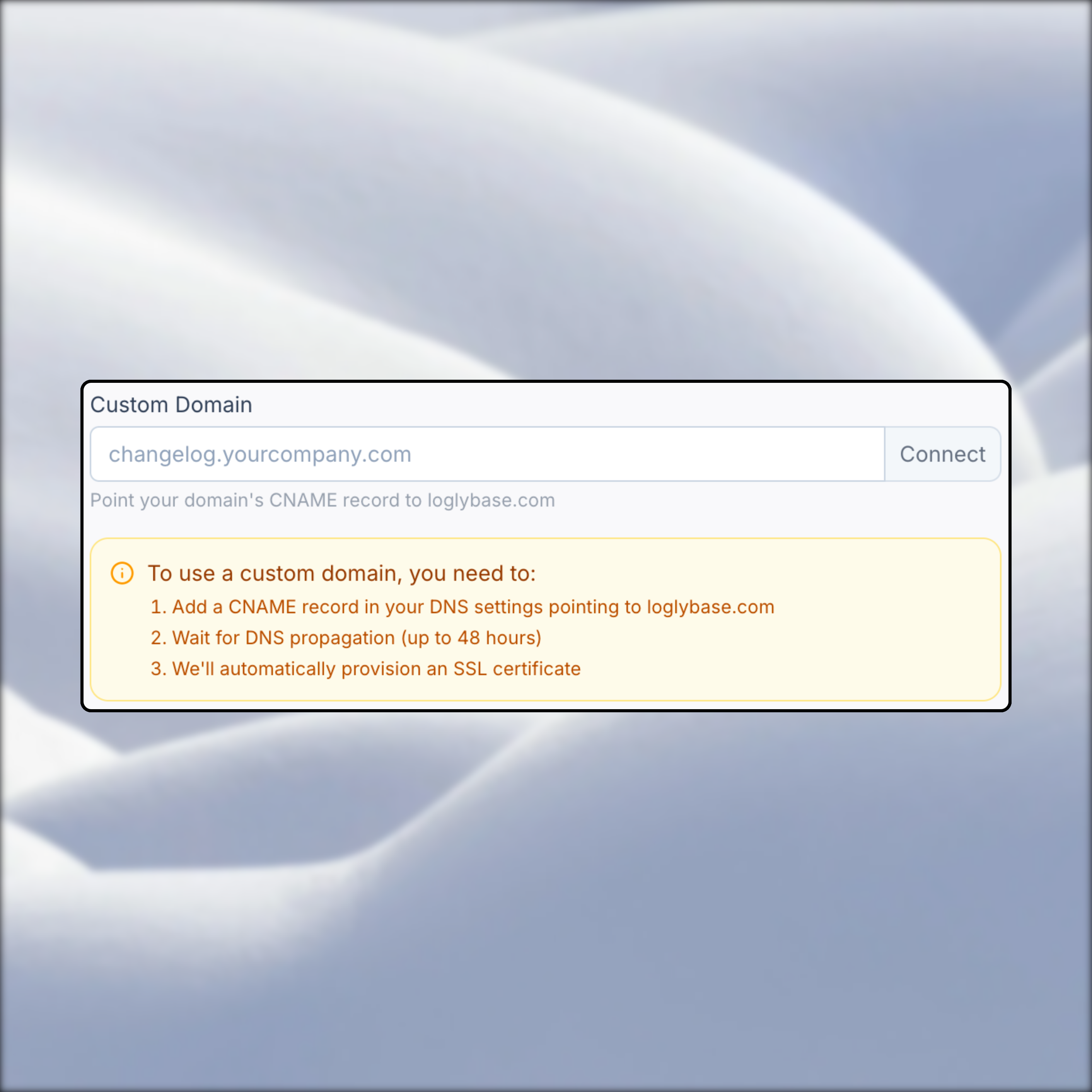
changelog.example.com) - Follow the DNS instructions (CNAME record)
- Wait for verification and SSL provisioning
DNS Configuration
Depending on your domain provider, you’ll usually need to:- Add a CNAME record pointing to
loglybase.com
SSL & Security
Once verified, we automatically issue and renew an SSL certificate for your domain via Let’s Encrypt — no manual setup required.Troubleshooting
If your domain isn’t verifying:- Double-check DNS propagation using tools like
dnschecker.org - Make sure no conflicting records exist (e.g., other CNAME records)
- Contact your domain registrar if the record isn’t being accepted
- Contact us to resolve domain issues