

What is a Post?
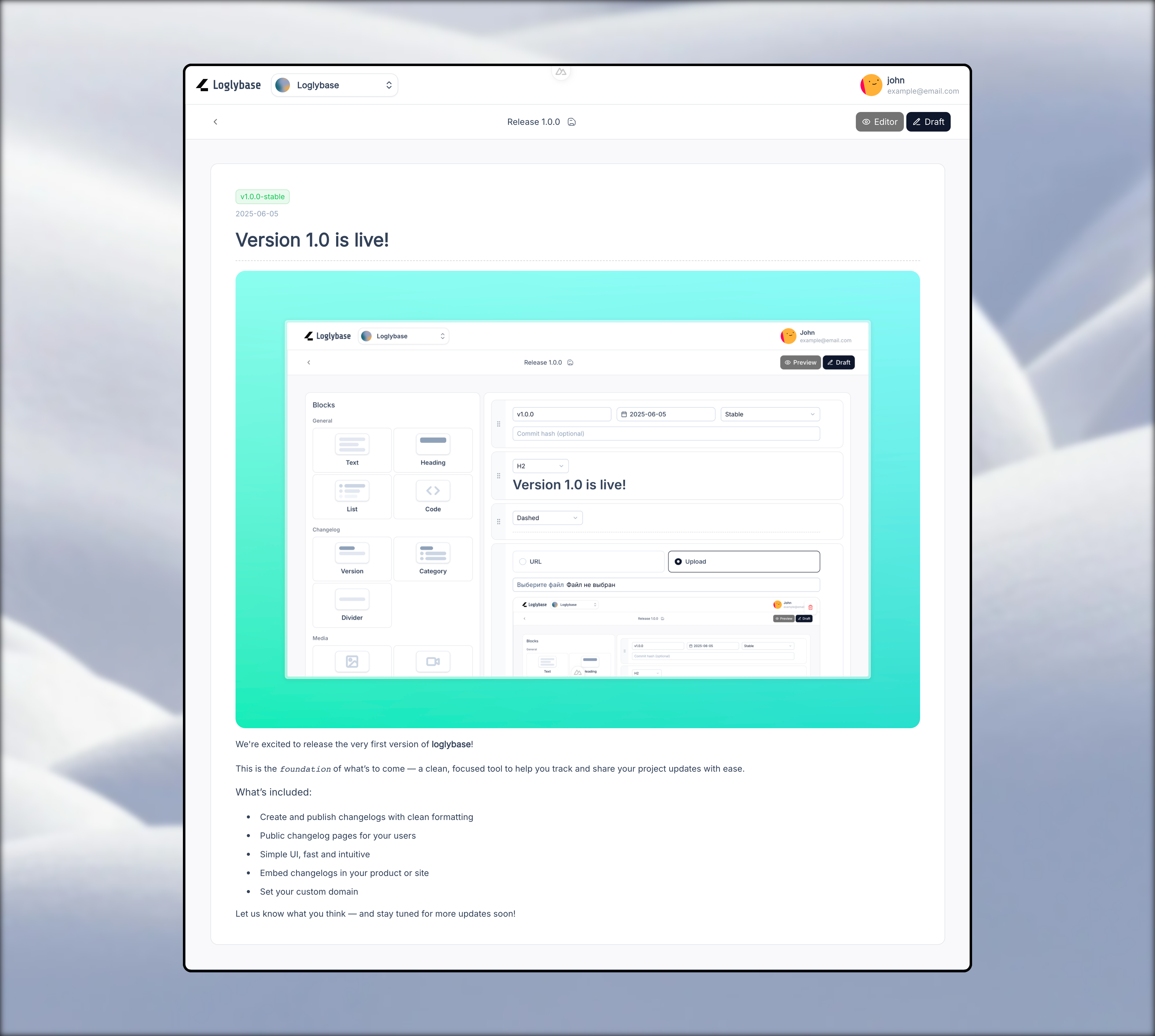
A Post is an update entry inside a project’s changelog. It represents a version release, announcement, fix, or improvement — and can be as simple or as detailed as needed. Each post can contain:- Title & short description
- Structured content blocks (text, lists, code, images, etc.)
- Tags and categories
- Publish date and visibility settings
Creating a Post
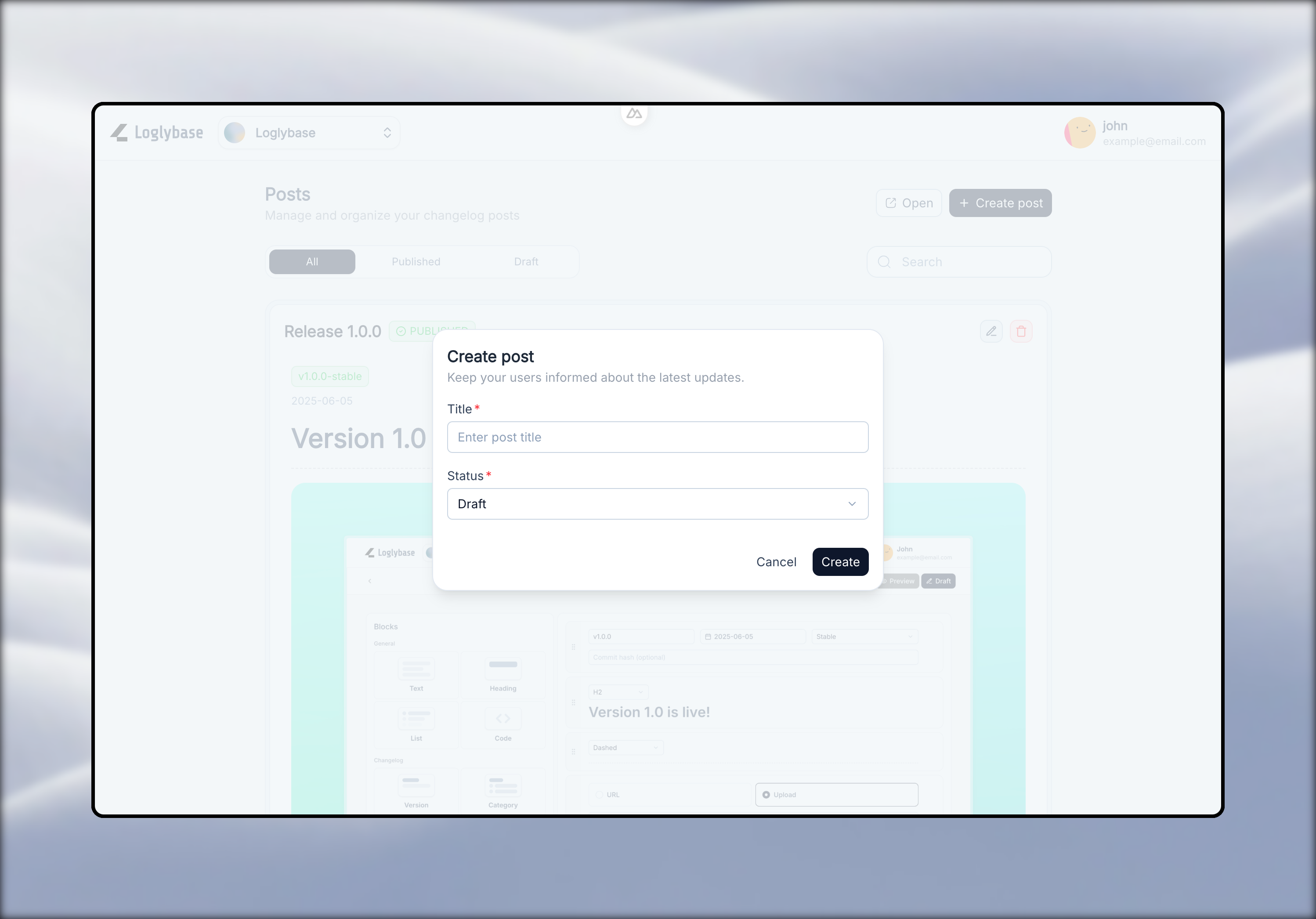
To create a new post:- Navigate to your project
- Click “Create Post”
- Fill in the basic information (title)
- Choose visibility: Published or Draft
Content Blocks
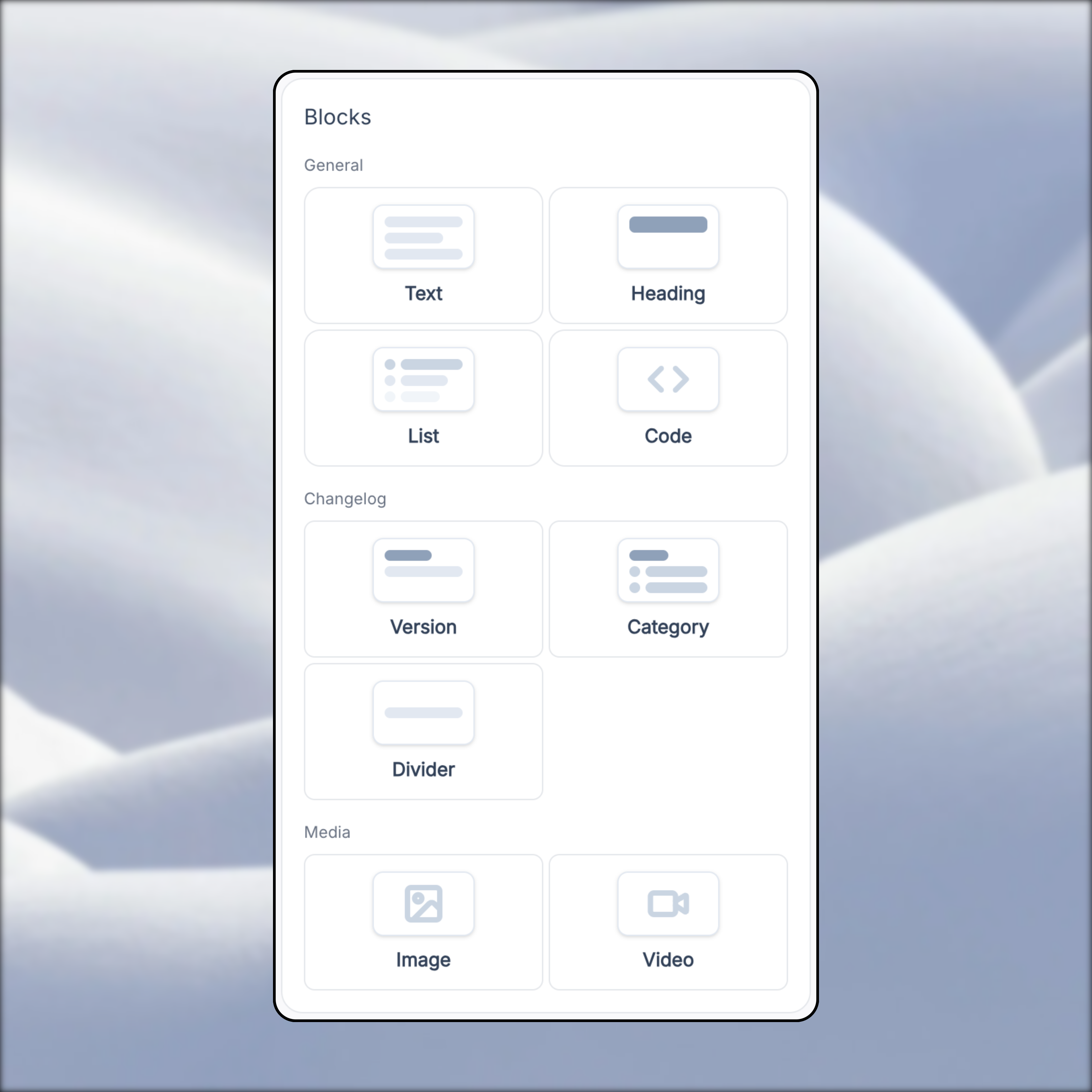
Posts are built using blocks. You can mix and match them to structure content your way:- Text – Paragraphs or formatted text
- Heading – Section titles inside the post
- List – Bullet points or numbered lists
- Code – Code snippets with syntax highlighting
- Version – Display the version number for the update
- Category – Label the type of update (e.g., Feature, Fix)
- Divider – Visual separator between sections
- Image – Embedded screenshots or illustrations
- Video – Embed videos (e.g., demos or walkthroughs)
- More blocks - (Coming Soon)
Publishing & Scheduling
Posts can be:- Saved as drafts
- Published instantly
- Scheduled for future release (Coming Soon)